LeoVegas Casino App Review Is It Worth It for UK Players


leovegascasino app for mobile built its reputation on the commitment of a mobile-first casino experience long before most competitors took smartphone play seriously. The dedicated app, available for iOS and Android, is not an afterthought bolted onto a desktop site; it is the platform around which the entire service is built. UK players who prize speed, intuitive navigation, and a full suite of games in their pocket will find the app a natural option. This review evaluates every practical aspect that matters: which devices are supported, how to install the software safely, what features set it apart, and how it performs under real-world conditions. No vague claims are made here—every point is grounded in how the application actually works for someone in the United Kingdom.
A Mobile-Optimized Casino Built for UK Players
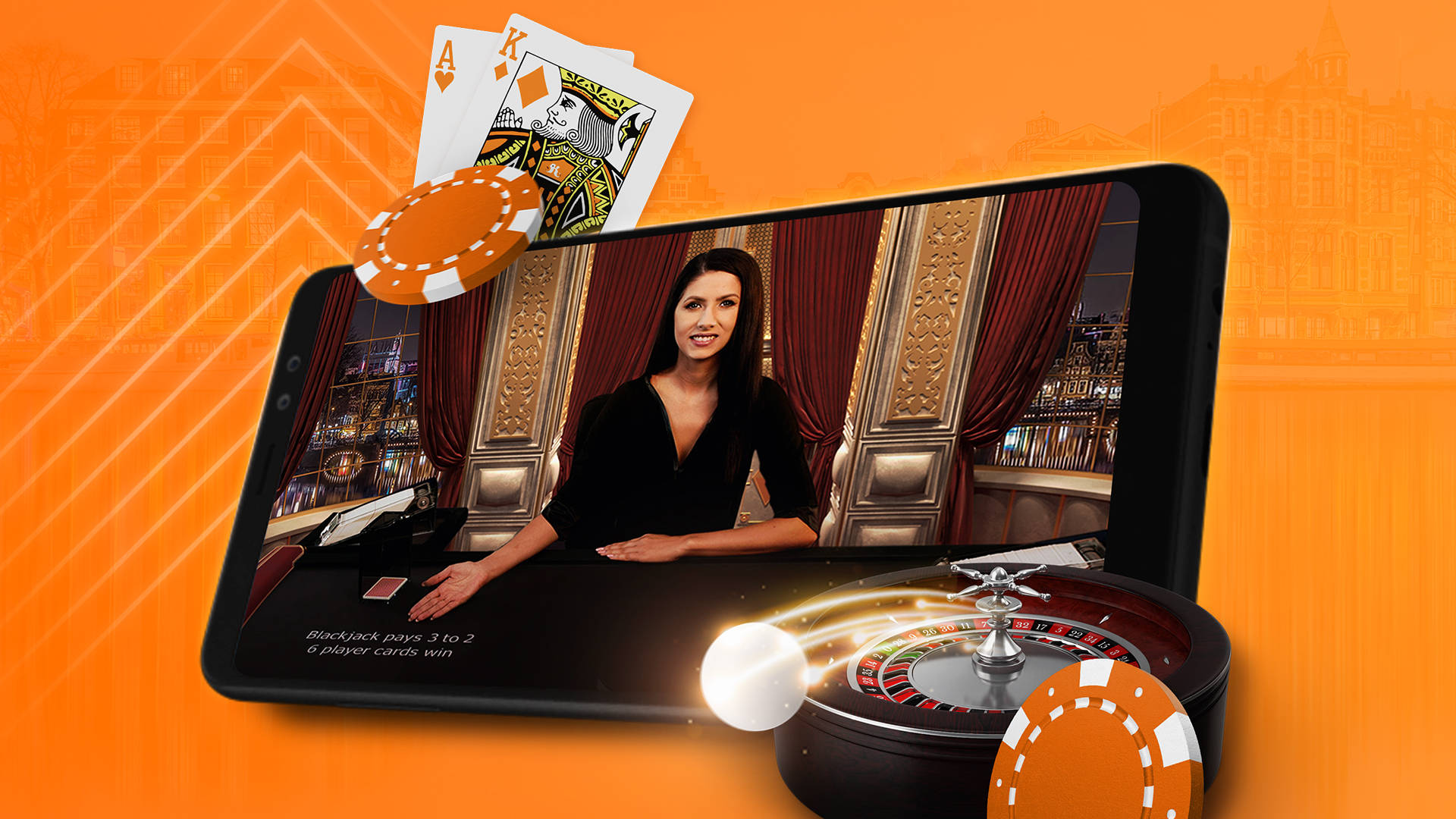
LeoVegas has earned multiple industry awards particularly for its mobile product, and the company’s engineering focus is clear from the moment the app launches. The interface is free of unnecessary clutter, positioning the game lobby, account tools, and promotions within one or two taps. For UK users, the app automatically displays the correct regional version, currency (GBP), and locally compliant responsible gambling features. Everything from the registration flow to the cashier is built to meet Gambling Commission standards. This means age verification, source-of-funds checks, and self-exclusion options are integrated into the core experience rather than being awkward add-ons. The result is a platform that feels both polished and reassuringly compliant, which matters greatly in a regulated market.
What sets apart the app from many competitors is that the mobile version does not sacrifice game variety or quality. The casino has negotiated with providers to ensure that the same titles available on desktop are optimised for smaller screens, often with touch-friendly button layouts and portrait-mode support. Live dealer streams, for instance, are adjusted intelligently without losing clarity. The app also retains player preferences—favourite games, preferred payment method, and notification settings—so returning users spend less time navigating and more time playing. For anyone who has struggled with a poorly adapted mobile casino, the difference is quickly evident and makes a strong case for downloading the app rather than using the mobile browser.
Installing and Configuring on iOS Devices
For iPhone and iPad owners, the most reliable and most simple method is to get the app right from the UK Apple App Store. Looking for “LeoVegas Casino” in the store will show the official app, distinguishable by the developer name LeoVegas Gaming plc and a high volume of user reviews. Tapping “Get” and authorizing with Face ID, Touch ID, or Apple ID password starts the download. The installation finalizes on its own, and the LeoVegas icon emerges on the home screen. There is no need to modify any device configurations, as Apple’s walled-garden strategy assures the app has been vetted and is devoid of third-party interference. UK users should avoid any third-party app stores or direct download addresses claiming to offer the program.
Once installed, launching the app for the first time initiates a series of permission prompts. The application will request for entry to location features. This is a regulatory requirement: UK gambling legislation requires that providers confirm a player’s physical location within Great Britain before allowing real-money wagering. Providing location authorization is compulsory for putting bets. The app may also ask for notification permissions for promotional alerts and account changes; this is voluntary and can be handled later in iOS Preferences. No sideloading, enterprise licenses, or configuration configs are used. The entire operation, from finding to first start, usually needs under two minutes’ time on a modern network. Updates are managed automatically if the user’s App Store preferences allow it.
Choice of Games and In-App Features
Slot Machines and Progressive Games
The app carries a extensive catalogue of video slots from studios like NetEnt, Play’n GO, Pragmatic Play, and Red Tiger. Popular UK titles—including Starburst, Book of Dead, and Big Bass Bonanza—open swiftly and are designed for touch controls. The lobby enables filtering by provider, theme, or feature, and players can save favourites for a personalized shortcut bar. Progressive jackpot slots such as Mega Moolah and Divine Fortune are included, with current jackpot totals shown clearly. The spin button is placed for thumb reach, and landscape mode is available for those who want a wider view. Game rules and paytables are reachable without leaving the slot, which is a nice touch for players who like to check RTP and volatility on the fly.
Live Dealer Casino and Table Games
LeoVegas is especially strong in live dealer gaming, and the app offers the full suite of Evolution and Pragmatic Play Live tables. UK players can play roulette, blackjack, baccarat, and game-show-style titles such as Crazy Time and Monopoly Live. The video stream adapts to connection speed, and the chat function is simple to use with the on-screen keyboard. Table limits change by room, and the app shows them before the player joins. For those who choose RNG table games, digital versions of roulette, blackjack, and video poker are accessible with customisable bet sizes. The live lobby also points out tables where native English-speaking dealers are present, which UK players often value for clarity and interaction.
Mobile-Only Promotions
While specific offers update frequently, the app often offers promotions that are either exclusive to mobile users or featured within a dedicated in-app inbox. These can encompass deposit matches, free spins on new slot releases, and loyalty rewards connected to app activity. Push notifications inform players to time-sensitive deals without needing to open email. It is crucial to read the terms associated to any promotion, particularly wagering requirements and game eligibility. The app displays these terms in a collapsible section beneath each offer, so players can check them before opting in. Because the UK market has tough rules on bonus marketing, the promotions are shown clearly and without misleading urgency.
Downloading and Setting Up on Android Gadgets
Android users in the UK can install the LeoVegas app through the Google Play Store, which now enables real-money gambling apps in the country. Looking for “LeoVegas Casino” on the Play Store will display the official listing. After pressing “Install,” the app downloads and configures without requiring manual APK processing. The phone must have Google Play Protect turned on, and the device should not be rooted or using a custom ROM that circumvents security verifications, as this can trigger compatibility failures. The installation footprint is comparable with the iOS version, and the app requests location access for the same regulatory reason—to confirm the player is in Great Britain.
If for any reason the Play Store is not available—for instance, on a device that does not include Google features—UK players should access the official LeoVegas mobile site. The operator from time to time supplies a direct APK file for such scenarios, but this is less frequent now that Play Store delivery is typical. Should sideloading be required, the user must activate “Install from unknown sources” in Android settings, fetch the file only from the confirmed LeoVegas website, and turn off the feature after. This way carries more risk and is not the recommended way. The overwhelming most of UK Android holders will simply use the Play Store, which also ensures automatic upgrades and Play Protect checking. After setup, the app symbol resides in the app drawer like any another.
Establishing an Account and Logging In
Fresh players can sign up directly within the app. The sign-up form collects personal details such as full name, date of birth, residential address, email, and mobile number. Because LeoVegas operates under a UK Gambling Commission licence, the information must be accurate and will be cross-checked against electronic databases for age and identity verification. The app guides the user through each field, and the process is structured to be completed in a single session. Players will also choose a username and password, and they can choose to enable biometric login—fingerprint or facial recognition—for faster access on subsequent visits. This biometric option is a true time-saver and offers a layer of security without overcomplicating the experience.
Current account holders simply enter their credentials or use the biometric shortcut. The app includes “Remember Me” functionality, though for security reasons it will occasionally ask for the full password. If a player has previously used the desktop site, the same login operates seamlessly; all account balances, loyalty points, and game history sync instantly. Should a player forget their password, the in-app recovery flow sends a reset link to the registered email. UK players must also finish any outstanding verification steps before depositing or withdrawing. The app will ask for document uploads—such as a photo ID and proof of address—using the device camera, making the KYC (Know Your Customer) process entirely mobile-friendly. No postal forms are required.
Speed, Reliability, and Data Consumption
The app is built on a streamlined framework that emphasises rapid loading and seamless navigation. On a standard 4G connection, the lobby shows up within a few seconds, and specific slots start in under ten seconds once cached. The software processes background tasks such as balance updates without locking up the interface, which is a typical pain point in lower-quality casino apps. Crash rates are rare on both iOS and Android, assuming the device is running a supported OS version and has enough free memory. The development team releases regular updates to fix bugs and enhance compatibility with new phone models, so ensuring the app updated is recommended for the best experience.
Video Quality and Data-Saving Settings
Live casino streams eat up more data than slots. In high-definition mode, a live dealer table can use roughly 300–700 MB per hour, though the precise figure varies by the game and stream quality. The app generally adapts resolution based on network conditions, and players on metered connections can by hand reduce the video quality within the live dealer settings to conserve data. Slots and RNG table games are much less demanding, often consuming less than 10 MB per hour of active play. The app does not drain significant background data when idle, but push notifications and account sync do use a tiny amount. UK players who use mobile data should monitor usage through their phone’s built-in tools and establish a data warning if needed.
Hardware Requirements and System Requirements
Before downloading, UK players should check that their mobile device or tablet meets the system demands. The LeoVegas app is compatible with iPhones and iPads with iOS 12.0 or later, which covers devices as old as the iPhone 5s and original iPad Air. Practically, any Apple device launched in the last seven years should work fine. On the Android side, the required OS is usually Android 7.0 (Nougat) or newer, and the device must have an ARM-based processor. Most smartphones from Samsung, Google, OnePlus, and other top brands sold in the UK meet these criteria without issue. The app is not sanctioned on Huawei devices that lack Google Mobile Services, so users of newer Huawei phones should verify availability through the official site.
Screen size is not a hindrance. The interface conforms smoothly to displays from miniature 4.7-inch iPhones up to large Android tablets. Touch targets are properly scaled, and the game grid adjusts automatically to avoid awkward cropping. The app demands a continuous internet connection—Wi-Fi or a consistent 4G/5G mobile data signal—and will not operate offline. Storage space is modest; the initial download is small, but additional game assets may be fetched on demand, so having a few hundred megabytes free is recommended. Players can check the exact current requirements on the Apple App Store or Google Play Store listing, as updates occasionally raise the minimum OS version. There is no cost to download or use the app itself.
Security, Transactions, and Safe Gaming
Deposit and Withdrawal Methods
The cashier inside the app supports UK-friendly payment methods including debit cards (Visa, Mastercard), PayPal, Skrill, Neteller, Paysafecard, and bank transfer. Deposits are completed instantly, and the minimum deposit is usually £10. Withdrawal times change by method; e-wallets like PayPal typically complete within 24 hours after processing, while card withdrawals can take three to five business days. All transactions are protected, and the app never stores full card details on the device. Players can establish deposit limits directly in the cashier section, and the app will enforce them immediately. The payment interface is equivalent to the desktop version in function but redesigned for thumb-friendly input.
Responsible Gambling Controls
UK regulation demands robust player protection tools, and LeoVegas incorporates them deeply into the app. From the account menu, users can set daily, weekly, or monthly deposit limits, activate reality checks that display session time reminders, and impose loss limits. A time-out feature lets players to block access for a defined period—24 hours up to six weeks—while self-exclusion can be initiated for longer breaks. The app also connects to GamStop and other support organisations. Crucially, these controls are not buried in a submenu; they are available within two taps from the main lobby. The app will also intervene if it detects patterns of extended play, offering a gentle nudge to review session activity.
What Sets the App Apart from the Desktop Site
Although the desktop and app experiences use the same account and game library, the app is not a simple scaled-down website. Navigation depends on a bottom tab bar with icons for Home, Search, Live Casino, Promotions, and Menu, which is far more practical on a handset than a top-aligned desktop menu. Swipe gestures let players to browse game categories horizontally, and the search function includes predictive text and voice input on supported devices. The desktop version, by contrast, employs a wider grid layout and hover-based tooltips that do not work to touchscreens. These design choices are not purely visual; they reflect a genuine rethinking of how a player interacts with a casino on a small screen.
In terms of functionality, the app provides a few advantages that the browser-based mobile site cannot match. Biometric login is exclusive to the native app, as are push notifications for promotions and live game alerts. The app also caches game assets more aggressively, which cuts down on reload times when revisiting a favourite slot. On the other hand, the desktop site gives a larger view for live tables and may be more suitable for complex game-show titles with multiple betting areas. UK players who divide their time between devices will find that progress and balance sync instantly, but the app’s tailored interface makes it the superior choice for everyday mobile play. There is no feature lock-in; both platforms offer full access to the same account tools and game catalogue.
0 Comments